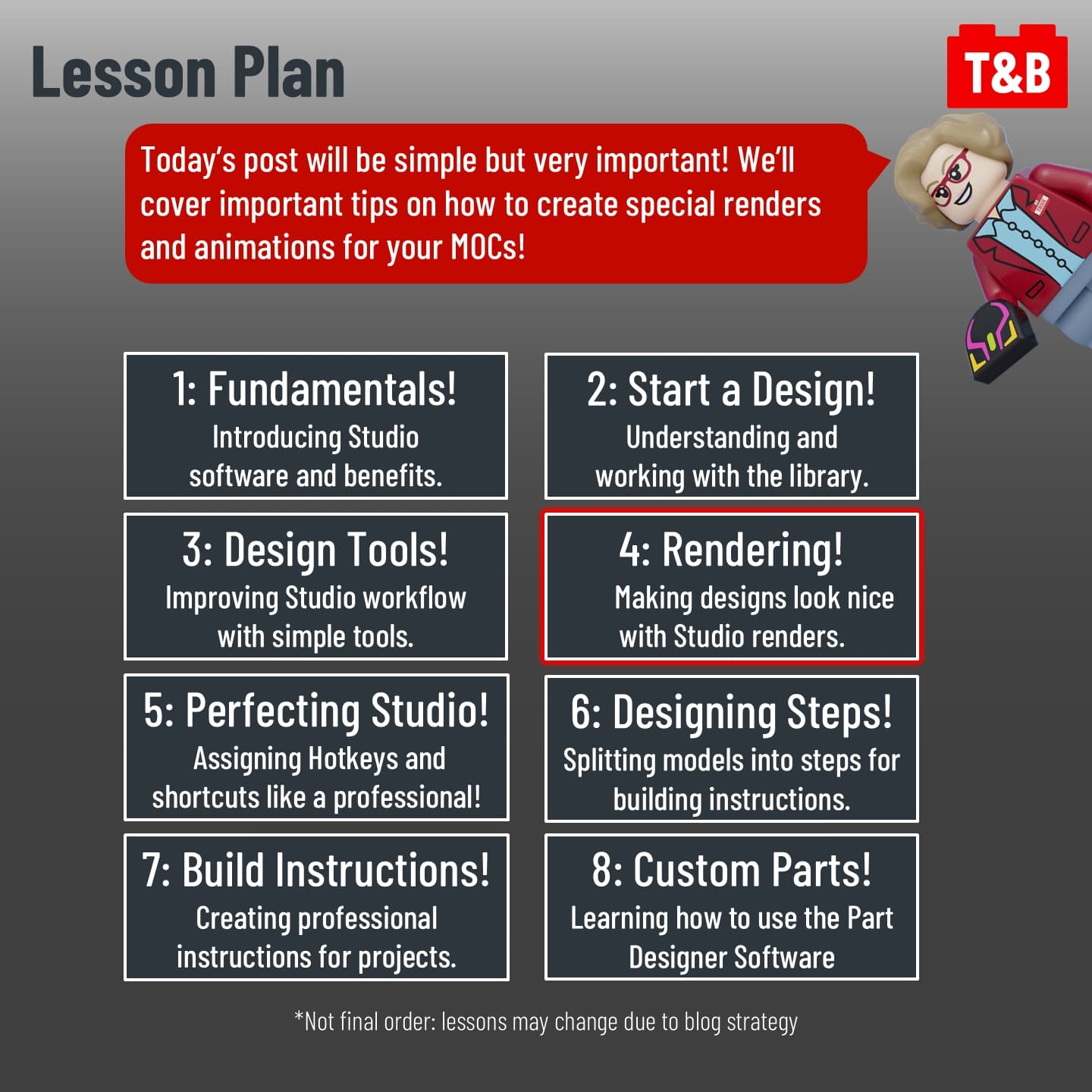
Hello, my fellow digital designers, and welcome to our next Studio Lesson. I’m Professor Trixie, and I’ll be your guide throughout this series.
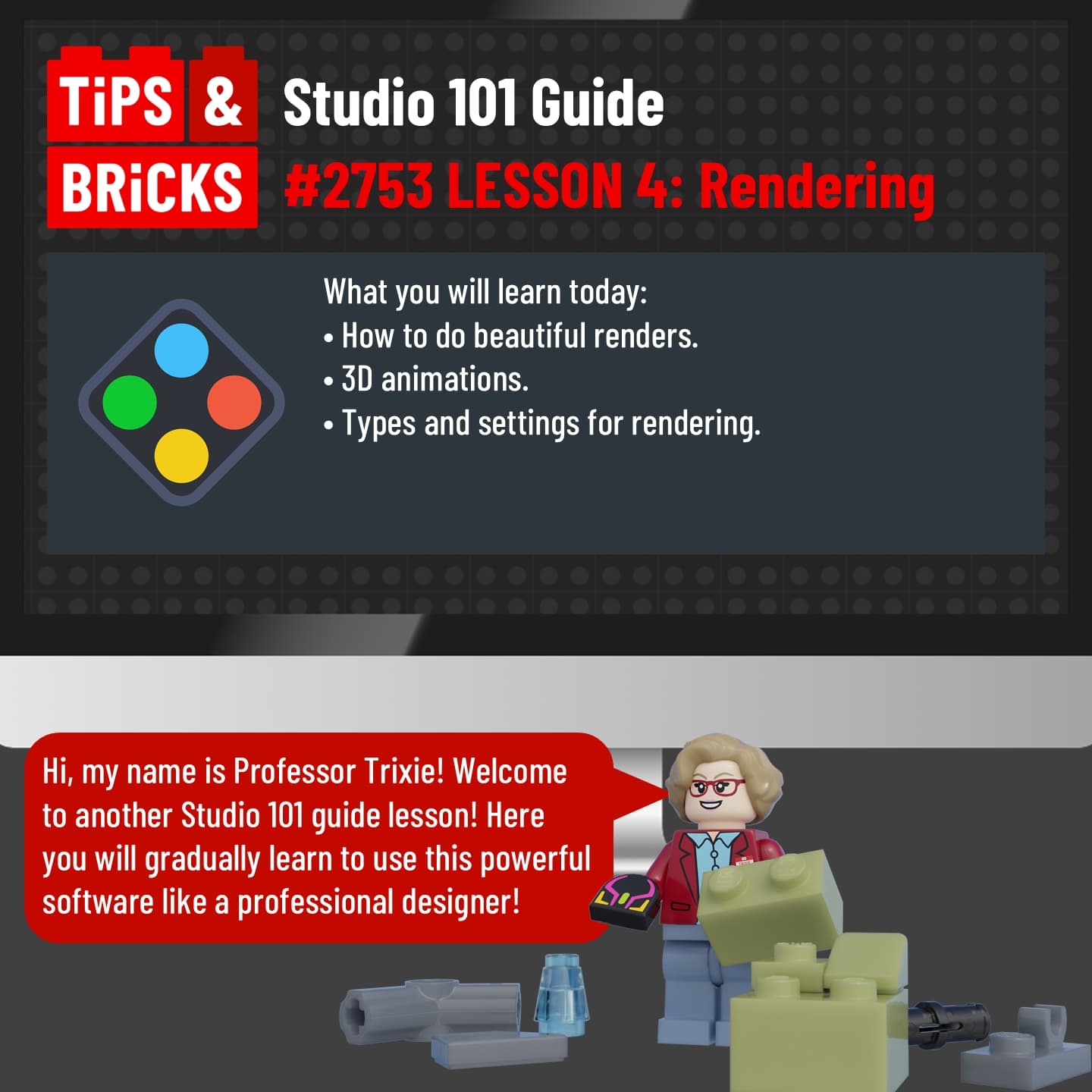
In this tutorial, you will learn the following tools:
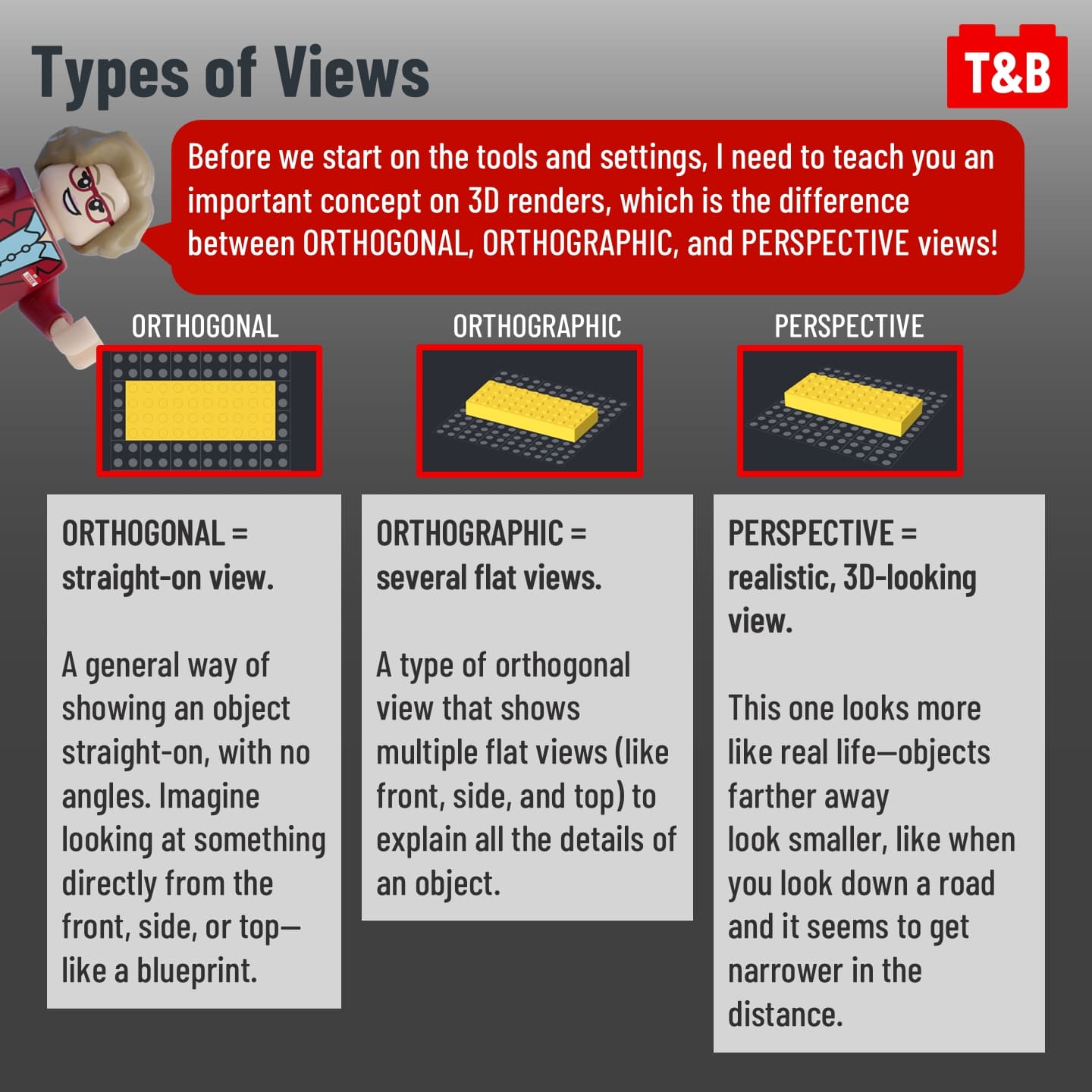
✅ Orthogonal, Orthographic & Perspective views
✅ The 3 rendering types;
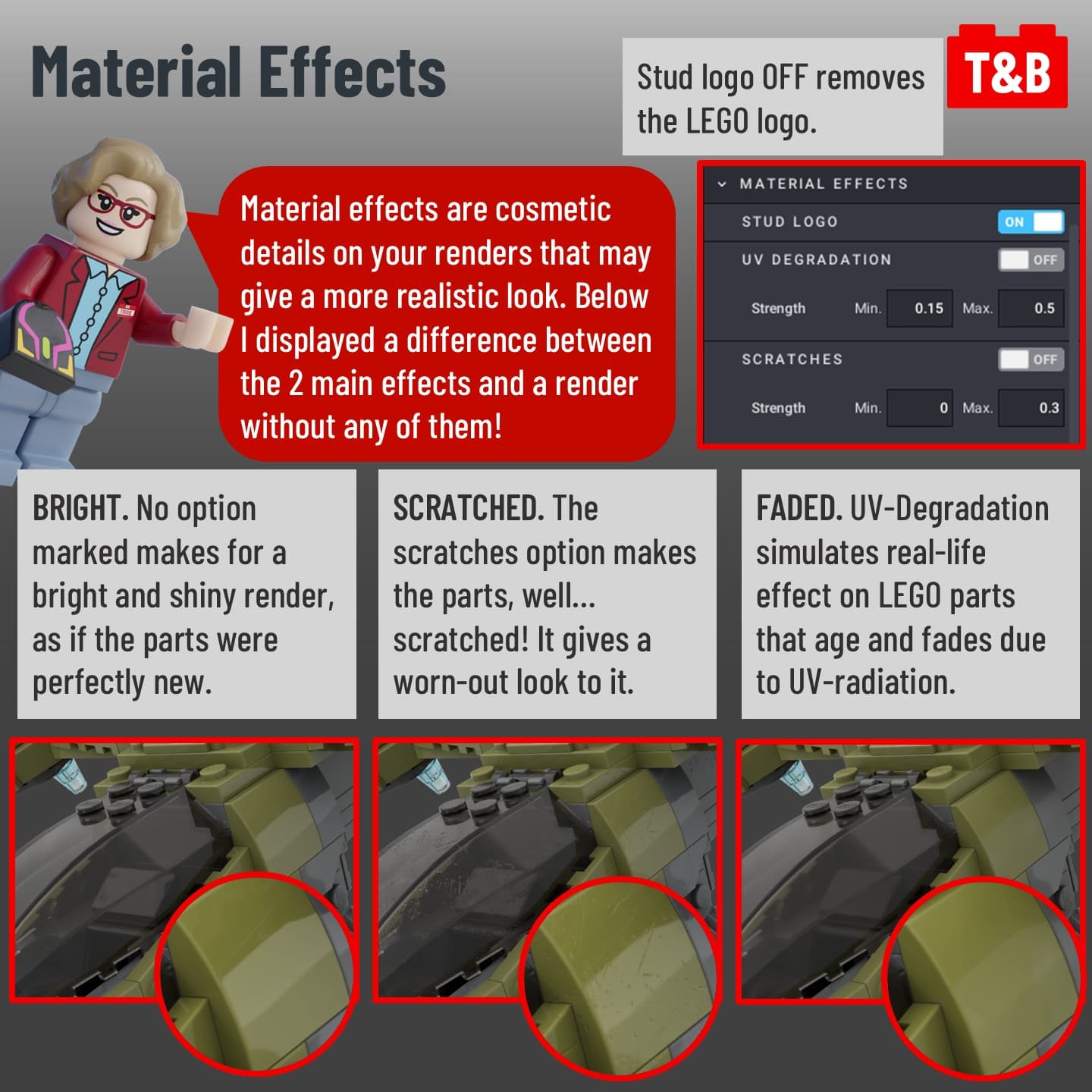
✅ Material Effects;
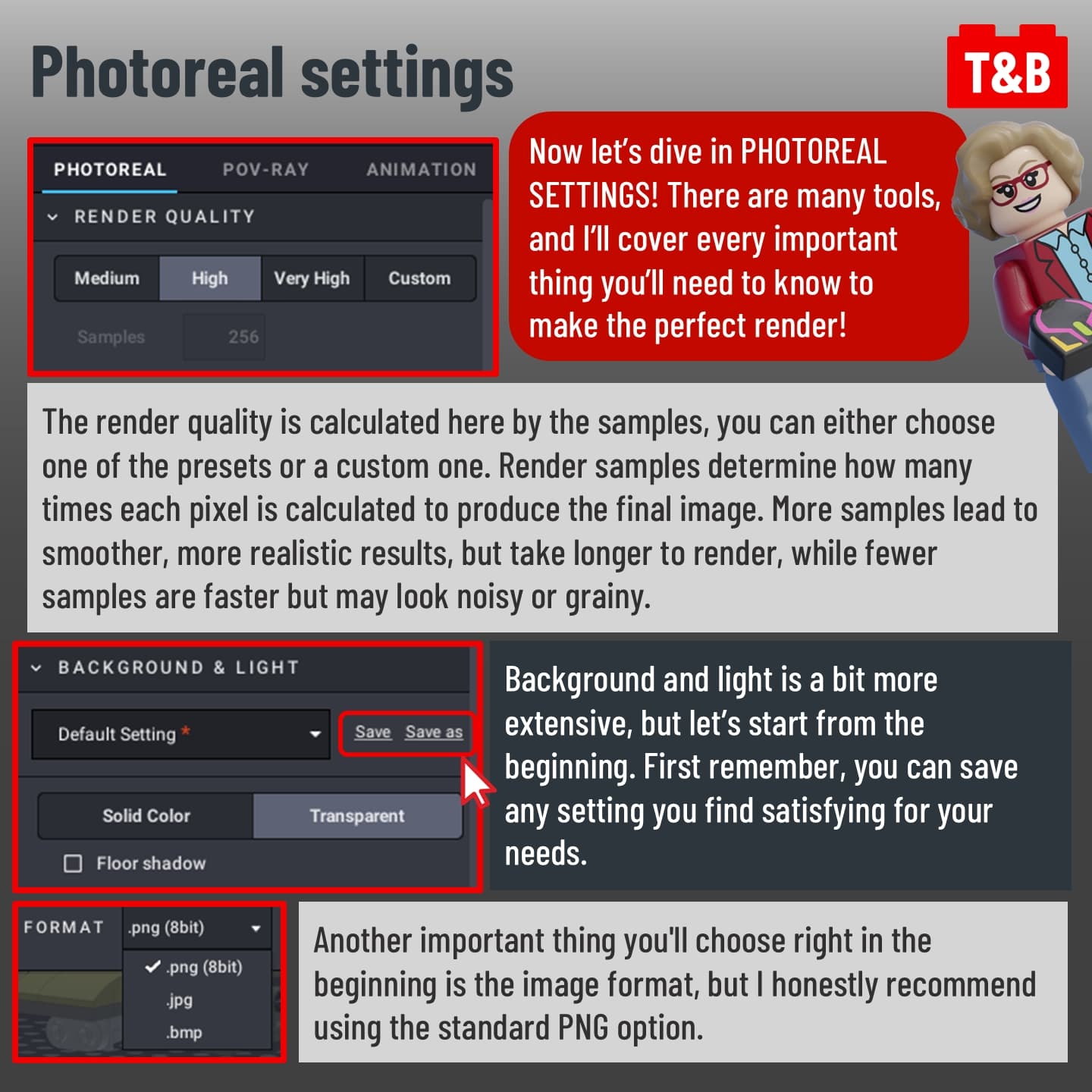
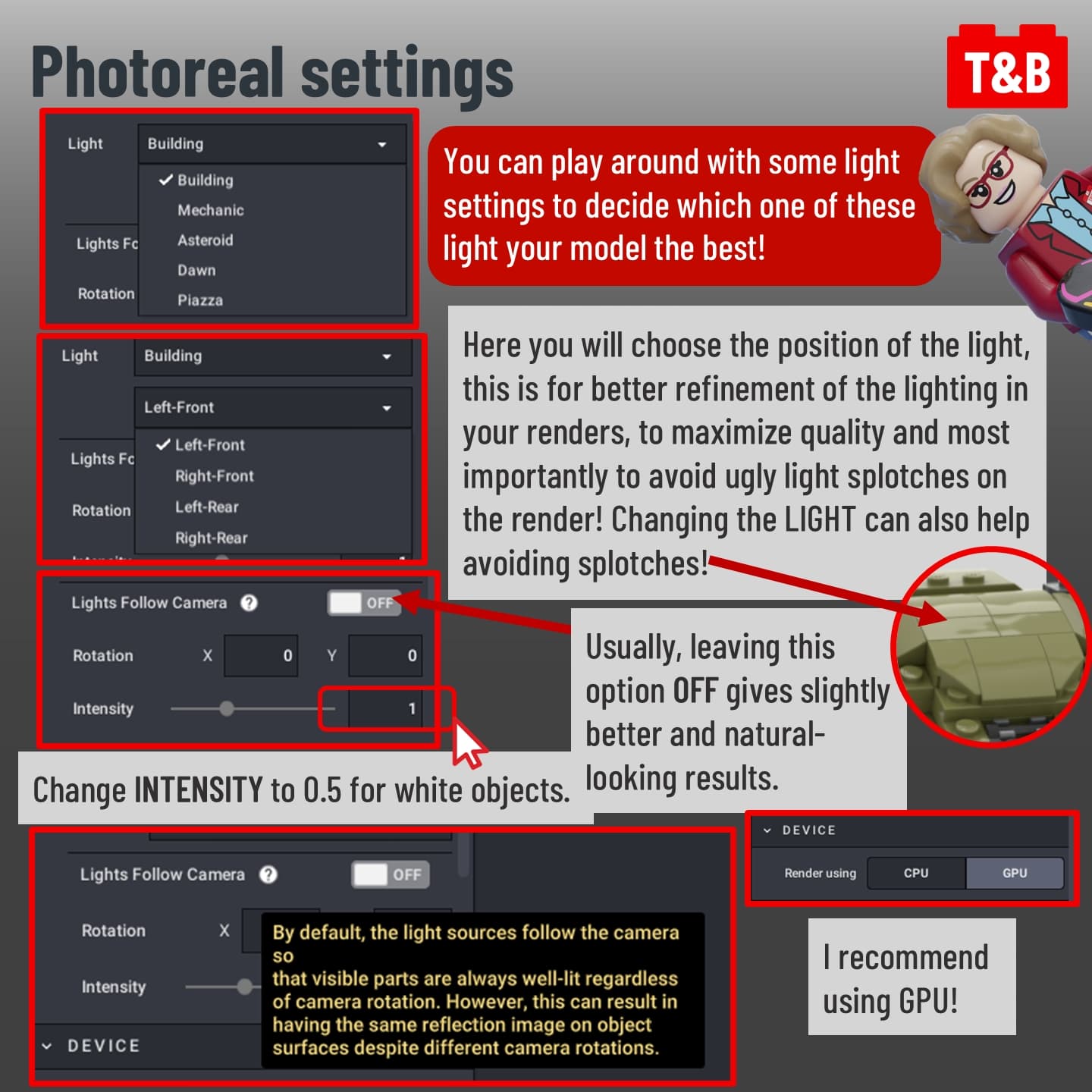
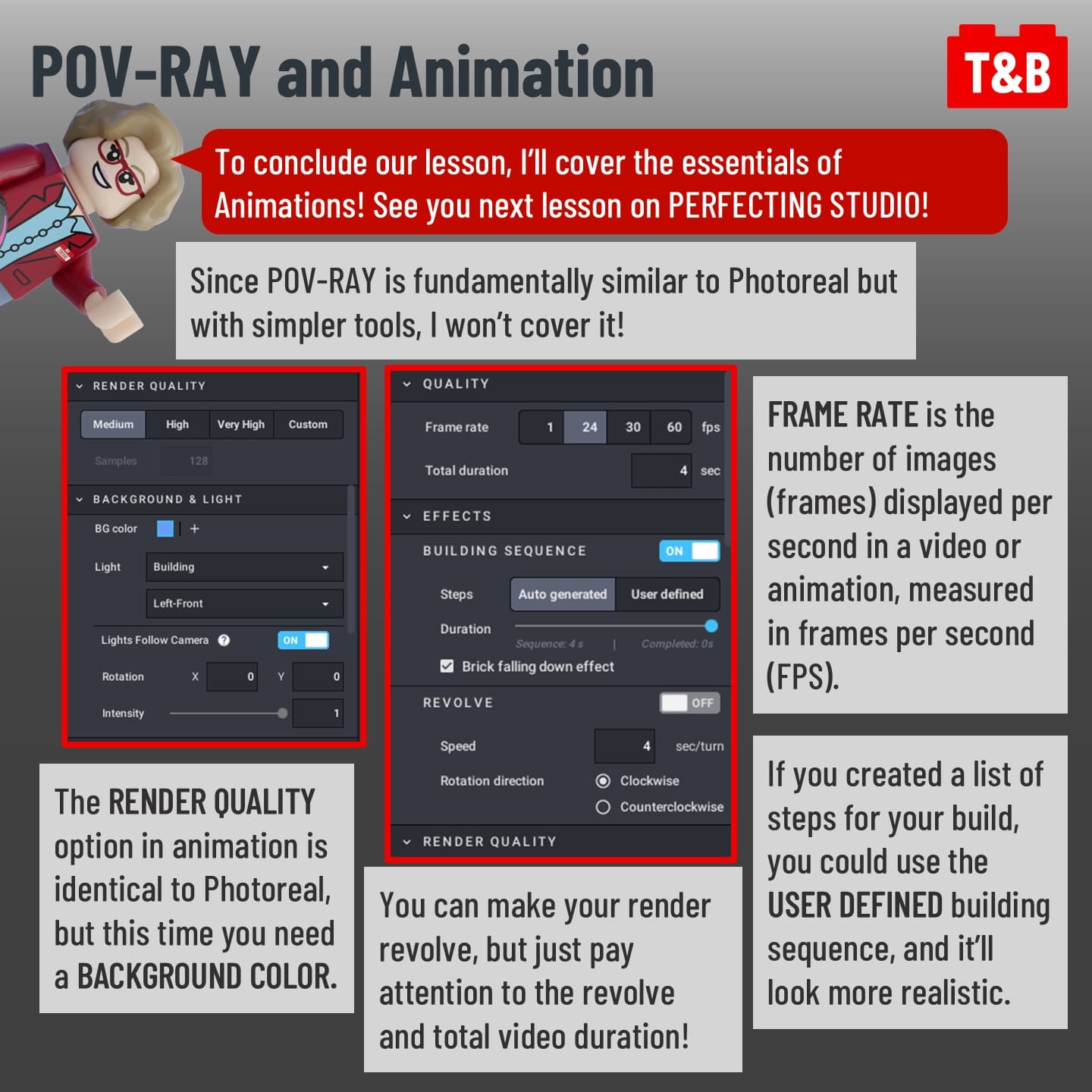
✅ Photoreal settings;
✅ Complex rendering meanings made easy!
✅ Studio Lighting!
And much more! Want to know what these are for and how they work? Be sure to stay with us until the end, and stay tuned for future lessons on how to become a professional and efficient Studio designer!
This series is meant for both Beginners and advanced users. As we progress, the lessons will become more advanced. That way, you’ll master every Studio tool, and even veterans will find new and handy features! So be sure to check out every lesson and let us know your thoughts about this post in the comments section below!